AI video remix
Your photos move the way the clip does, or take its place.
Video to remixA 4–15 s clip
Person photoUp to 8 photos
Free to start, with 75 AI credits a month.
How it works
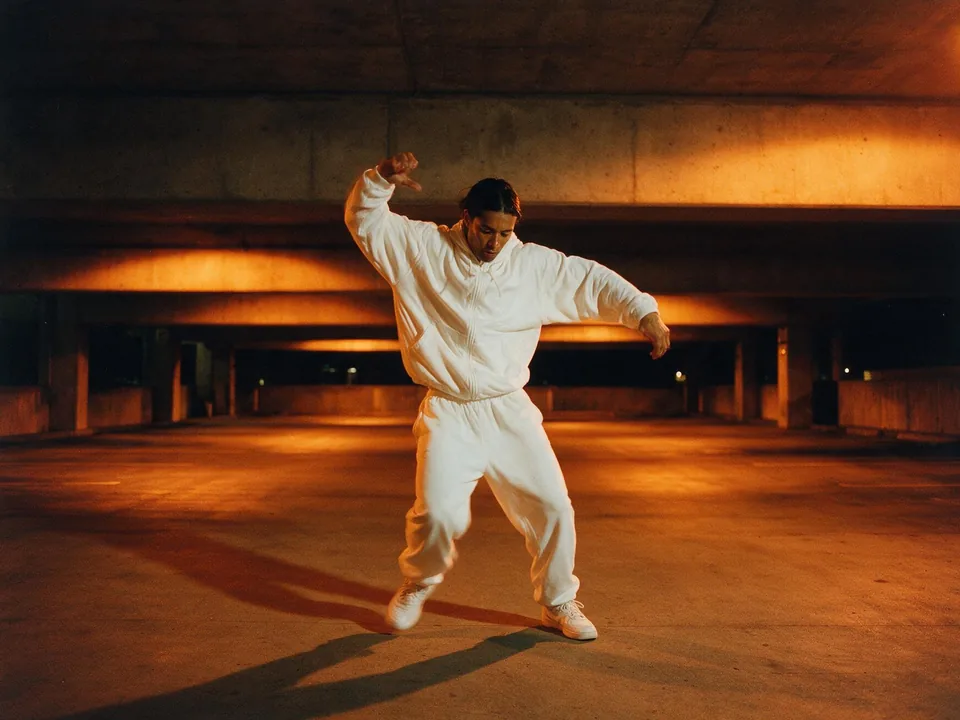
1Add the clip
Four to fifteen seconds of the moves you want.
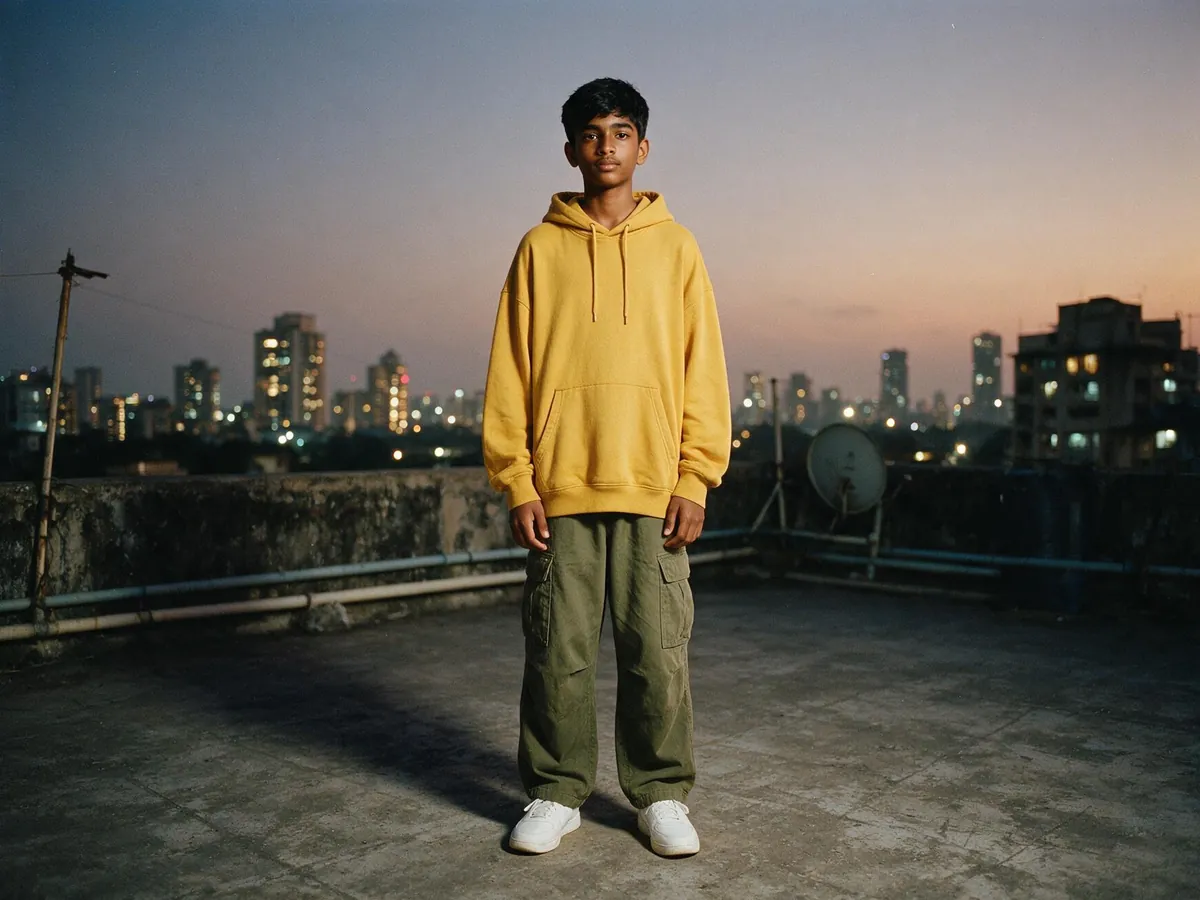
2Add the person
Photos of who should move that way.
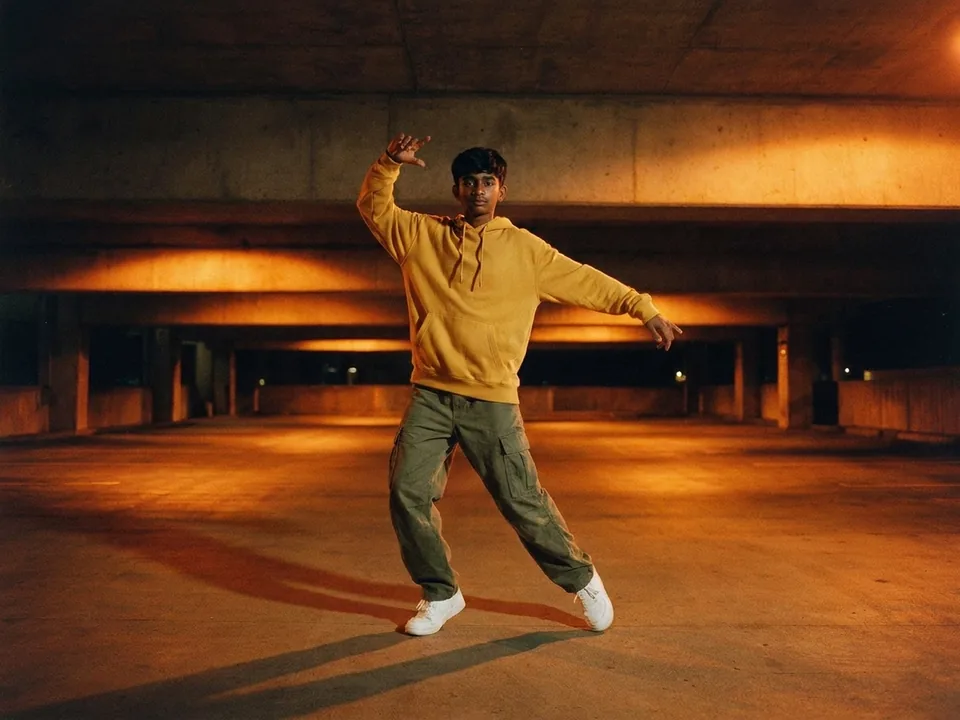
3Keep working on the canvas
The result lands on your canvas. Put it in a template, add text and export every format.
Questions, answered
Which models can I use?
Kling. Pick one for each run; the menu shows its price in credits before you start.
Can I use anyone’s face or voice?
Only your own, or one you have permission to use. asks you to confirm that before every run, and never to impersonate or mislead.
How much does it cost?
Each run costs credits, and the price shows before you press Generate. Free comes with 75 credits a month. Pro comes with more, and you can top up at any time.
Who owns the result?
You do. Pro adds commercial rights and keeps your generations private.