TemplatesPricing
Log inStart free
Tools / Video / Video upscale

AI video upscaler

Make a clip sharper and larger.

VideoUp to 60 s

Free to start, with 75 AI credits a month.

How it works

  1. A blurry low-resolution frame of a red vintage convertible on a coastal road.

    1Add a clip

    Up to 60 seconds, from your device or your canvas.
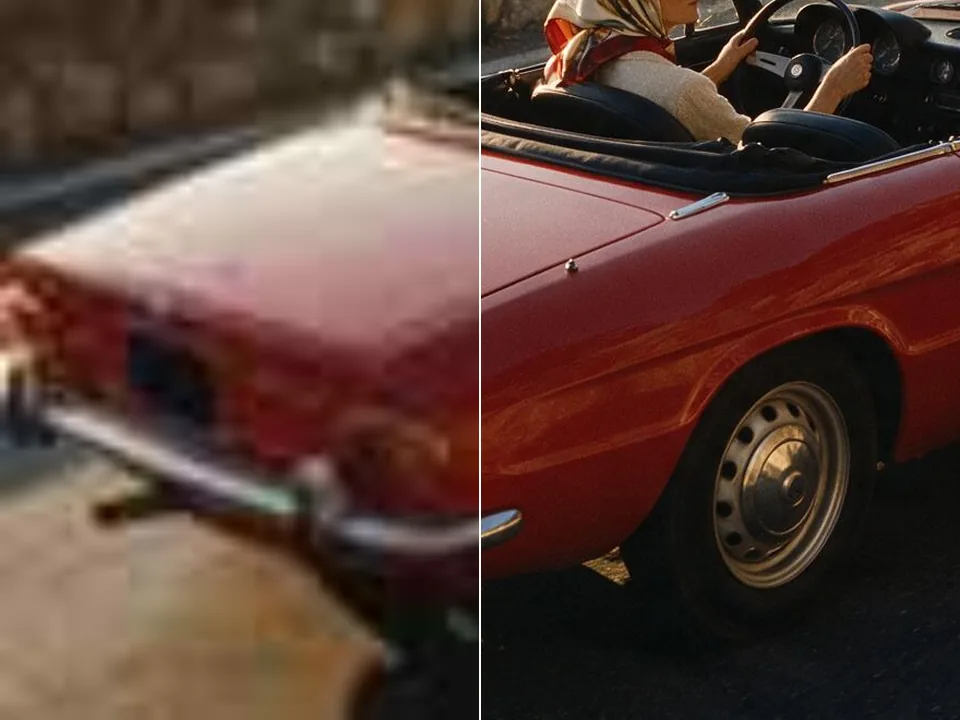
  2. A line sweeping across the red convertible: soft and low-resolution on one side, sharp on the other.

    2Pick the resolution

    Choose how large it should come out.
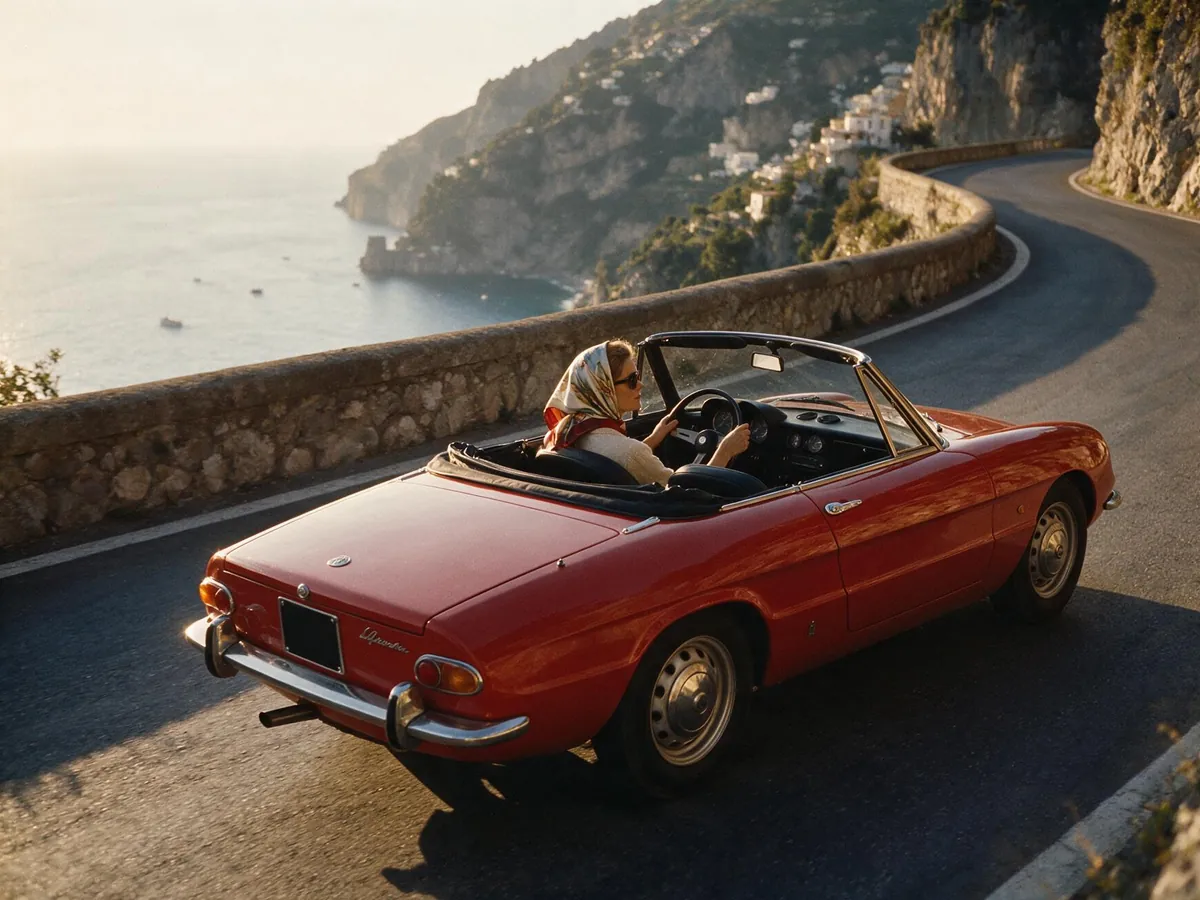
  3. A red vintage Alfa Romeo Spider on a cliffside road on the Amalfi coast at golden hour, sharp, the sea far below.

    3Keep working on the canvas

    The result lands on your canvas. Put it in a template, add text and export every format.

Questions, answered

Which models can I use?

ByteDance Upscaler. Pick one for each run; the menu shows its price in credits before you start.

How much does it cost?

Each run costs credits, and the price shows before you press Generate. Free comes with 75 credits a month. Pro comes with more, and you can top up at any time.

More tools

  • Create video
  • Edit video
  • Lipsync
  • Remix
  • Face swap
  • Caption
  • Language swap
  • AI influencer

Your next Reel starts here.

Templates, AI and Craftwork assets on one canvas, for every post you make.

Tools
RemixAI influencerCaptionFace swapLipsyncLanguage swap
Product
TemplatesPricingDesktop appChangelog
Resources
DocsMCP & APIBlogXCraftwork
Company
ContactPrivacyTermsData deletion
© 2026 Aproduct