TemplatesPricing
Log inStart free
Tools / Image / Relight

AI relight

Change the light in a photo after the shoot.

Photo

Free to start, with 75 AI credits a month.

How it works
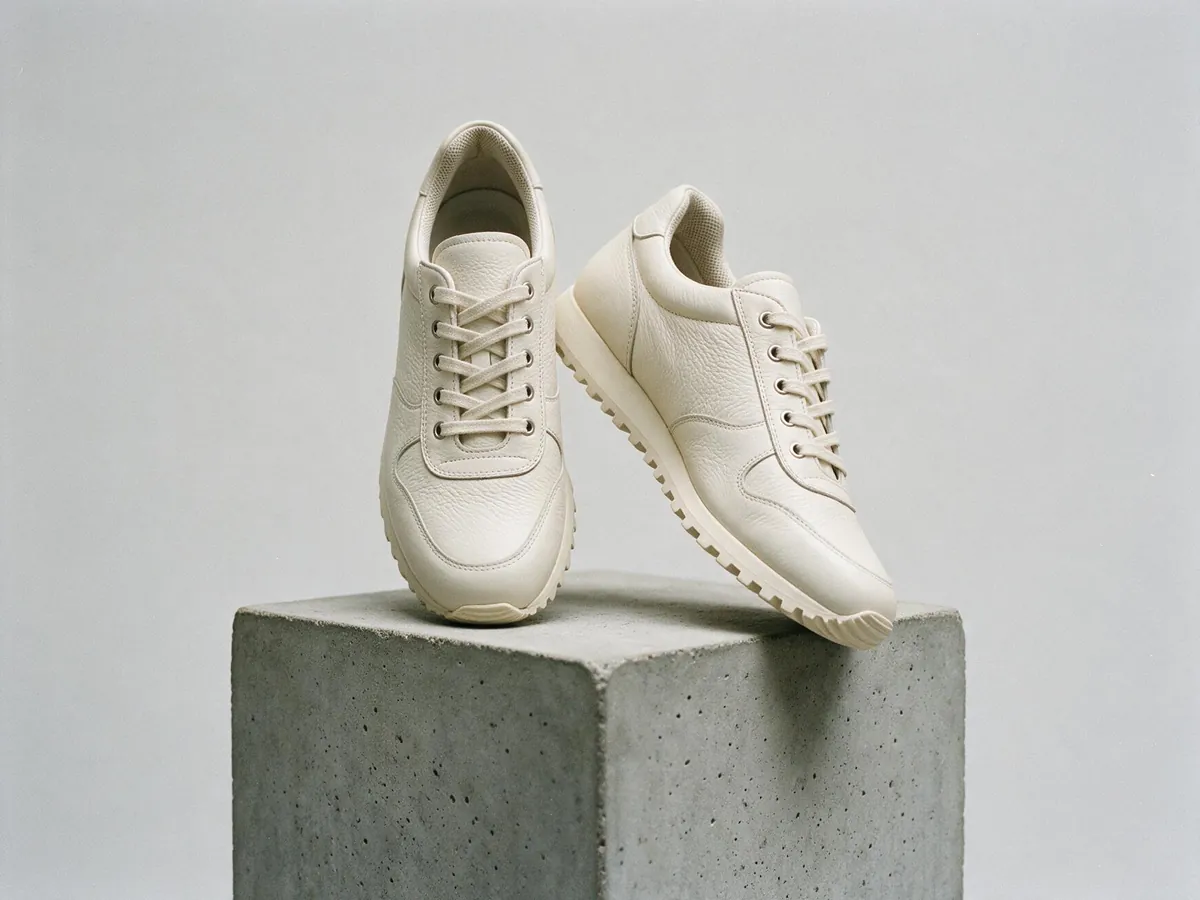
  1. A pair of off-white leather sneakers on a grey concrete block in flat, even studio light.

    1Add a photo

    A portrait, a product or a room.
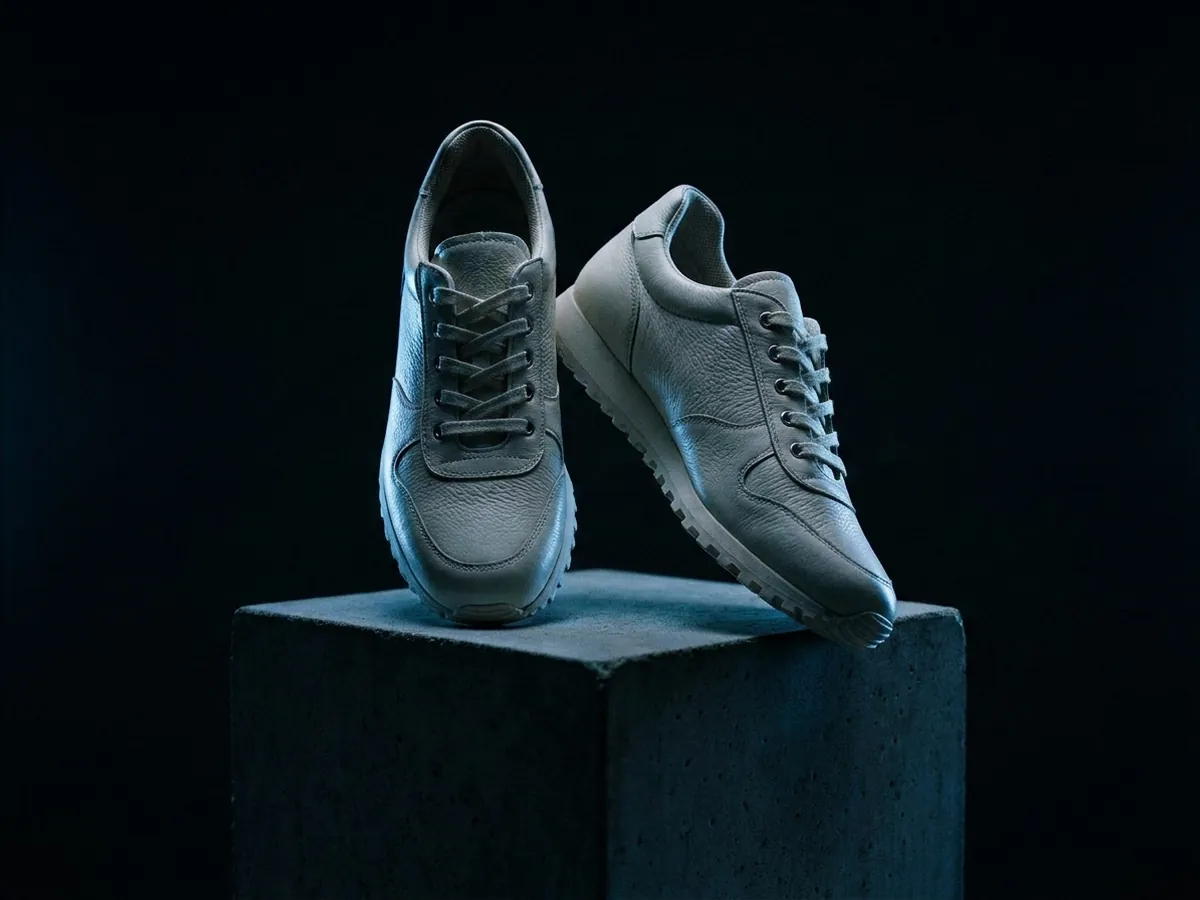
  2. The same sneakers relit: a cold blue rim light from behind in a dark studio.

    2Describe the light

    Warm sunset from the left, a cold rim light, a softer face.
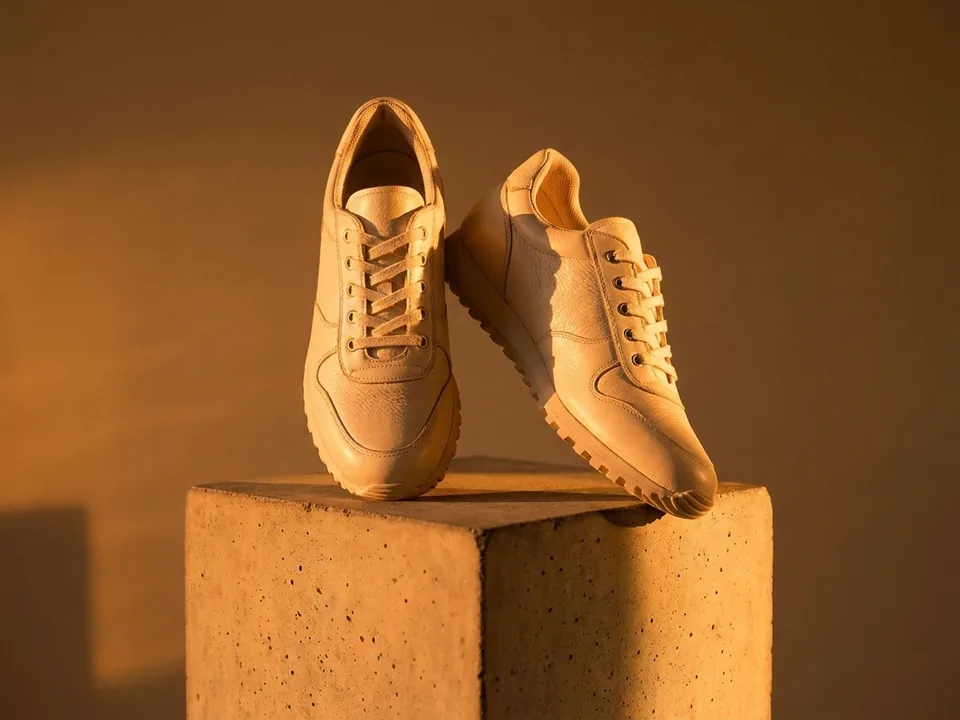
  3. The sneakers fading between the flat studio light and a warm sunset light from the left with long shadows.

    3Get it relit

    The subject stays, the light changes. It lands on your canvas.

Questions, answered

Which models can I use?

IC-Light. Pick one for each run; the menu shows its price in credits before you start.

Does it change the person?

No. Relight keeps the subject and the framing and changes only the light.

How much does it cost?

Each run costs credits, and the price shows before you press Generate. Free comes with 75 credits a month. Pro comes with more, and you can top up at any time.

More tools

  • Create image
  • AI influencer
  • Inpaint
  • Character swap
  • Lipsync
  • Remix
  • Face swap
  • Caption

Your next Reel starts here.

Templates, AI and Craftwork assets on one canvas, for every post you make.

Tools
RemixAI influencerCaptionFace swapLipsyncLanguage swap
Product
TemplatesPricingDesktop appChangelog
Resources
DocsMCP & APIBlogXCraftwork
Company
ContactPrivacyTermsData deletion
© 2026 Aproduct