AI inpaint
Paint over part of a photo and say what goes there.
Free to start, with 75 AI credits a month.
How it works
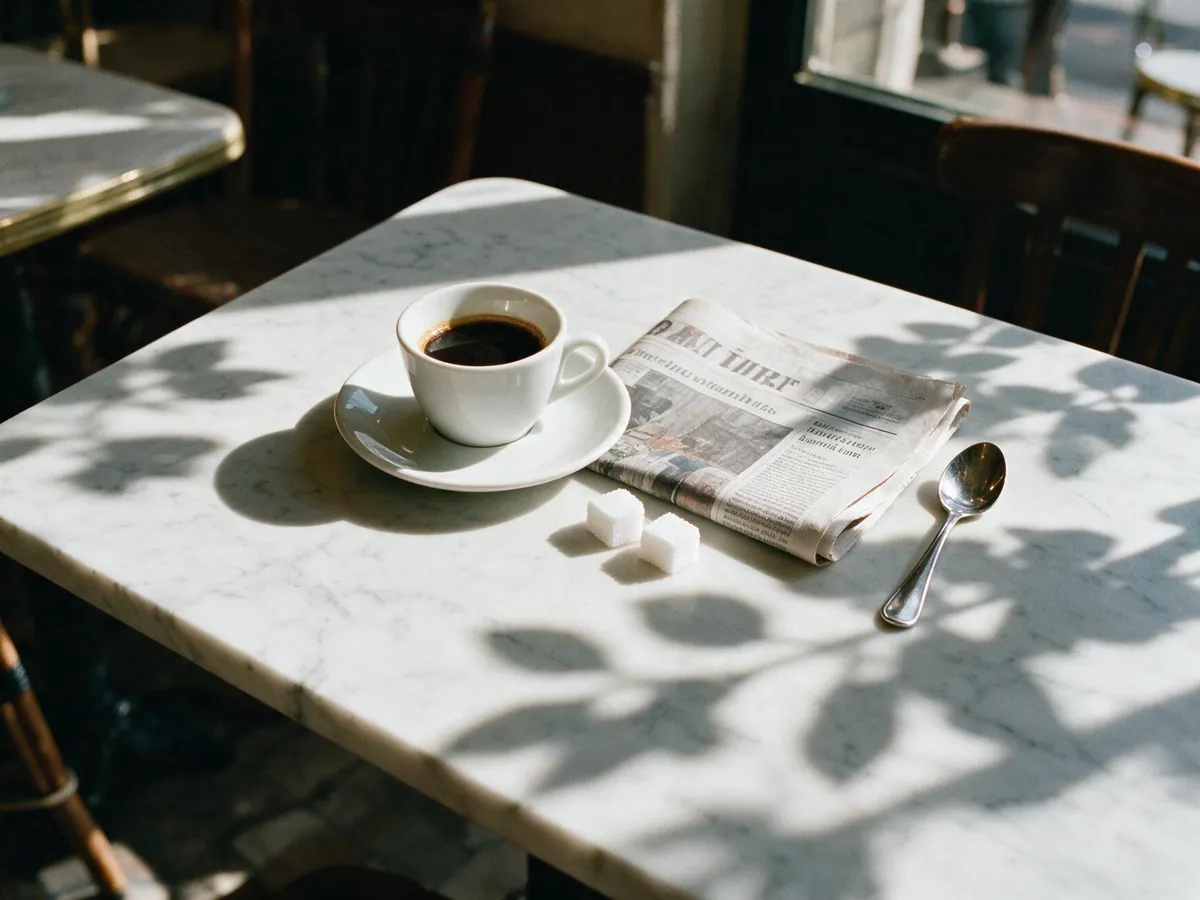
1Add a photo
Any photo from your device or your canvas.
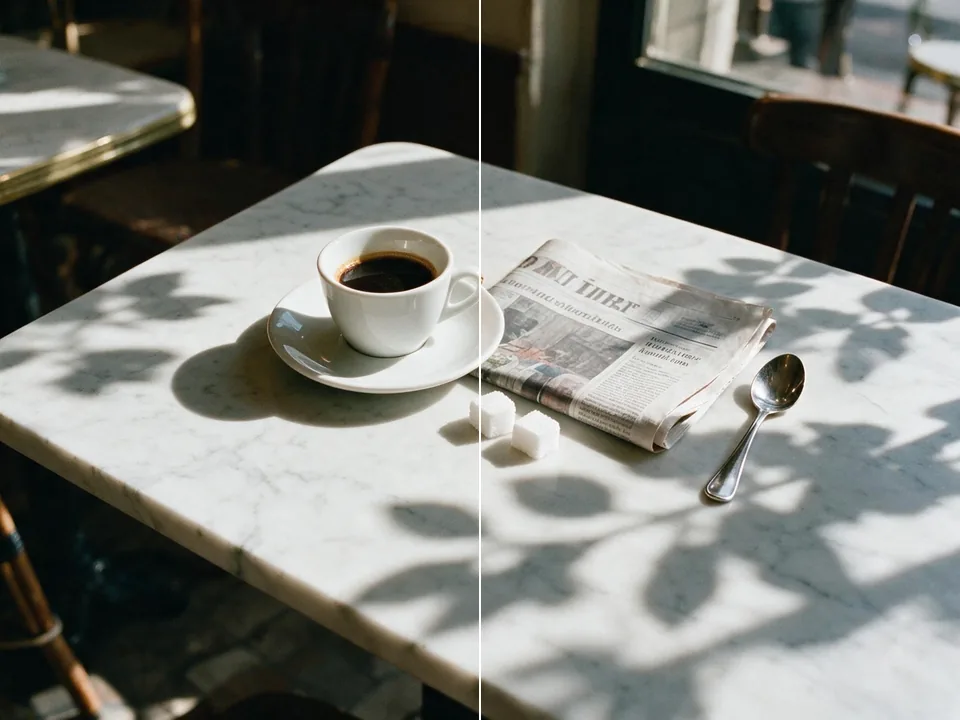
2Paint and say what changes
Paint over the cup, then write: a croissant. Paint the spoon and write: remove it.
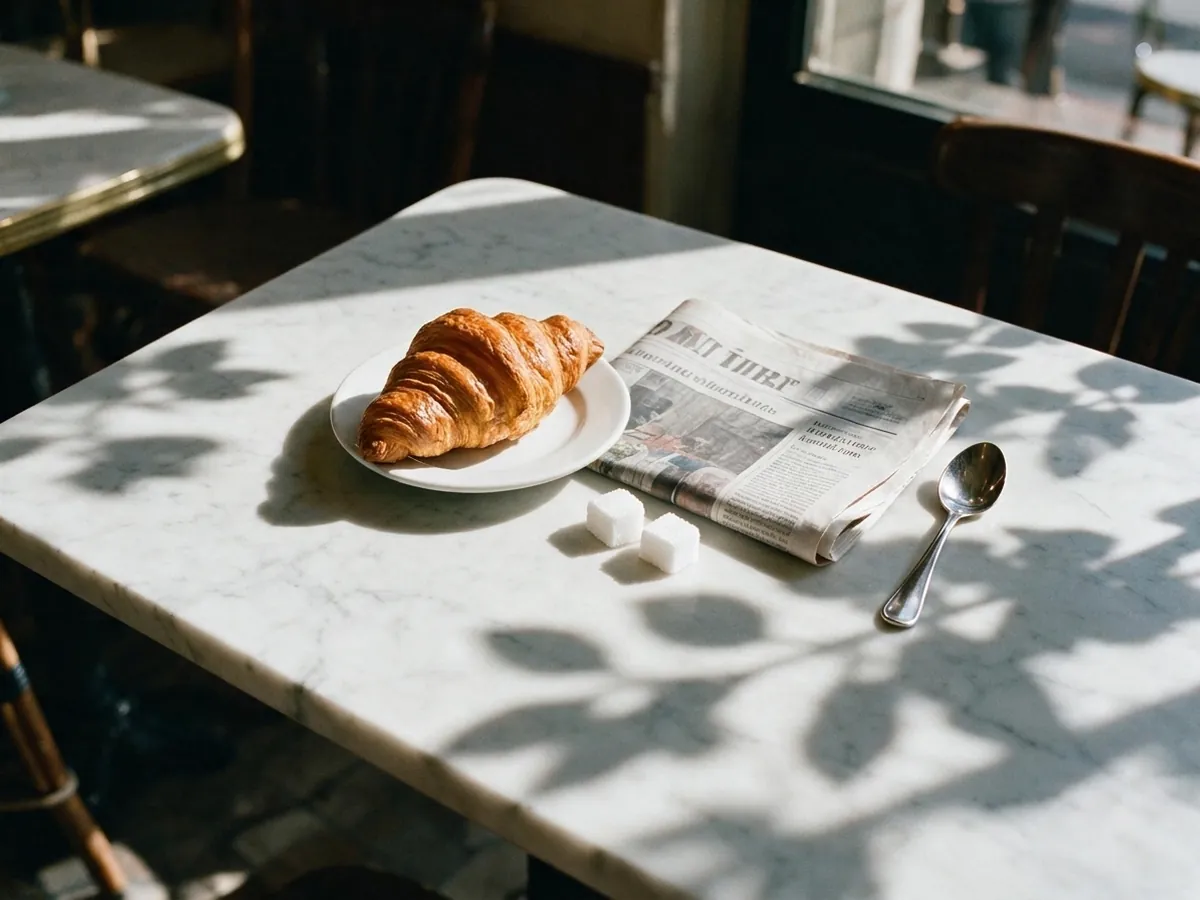
3Get the edit
Only the painted part changes. The photo stays on your canvas, and undo brings the old one back.
Questions, answered
Which models can I use?
Nano Banana, Seedream and FLUX. Pick one for each run; the menu shows its price in credits before you start.
Will the rest of the photo change?
No. Outside the area you paint, the pixels are the ones you started with. If you paint nothing, the whole photo is edited, and the tool says so before you run it.
How much does it cost?
Each run costs credits, and the price shows before you press Generate. Free comes with 75 credits a month. Pro comes with more, and you can top up at any time.
Who owns the result?
You do. Pro adds commercial rights and keeps your generations private.